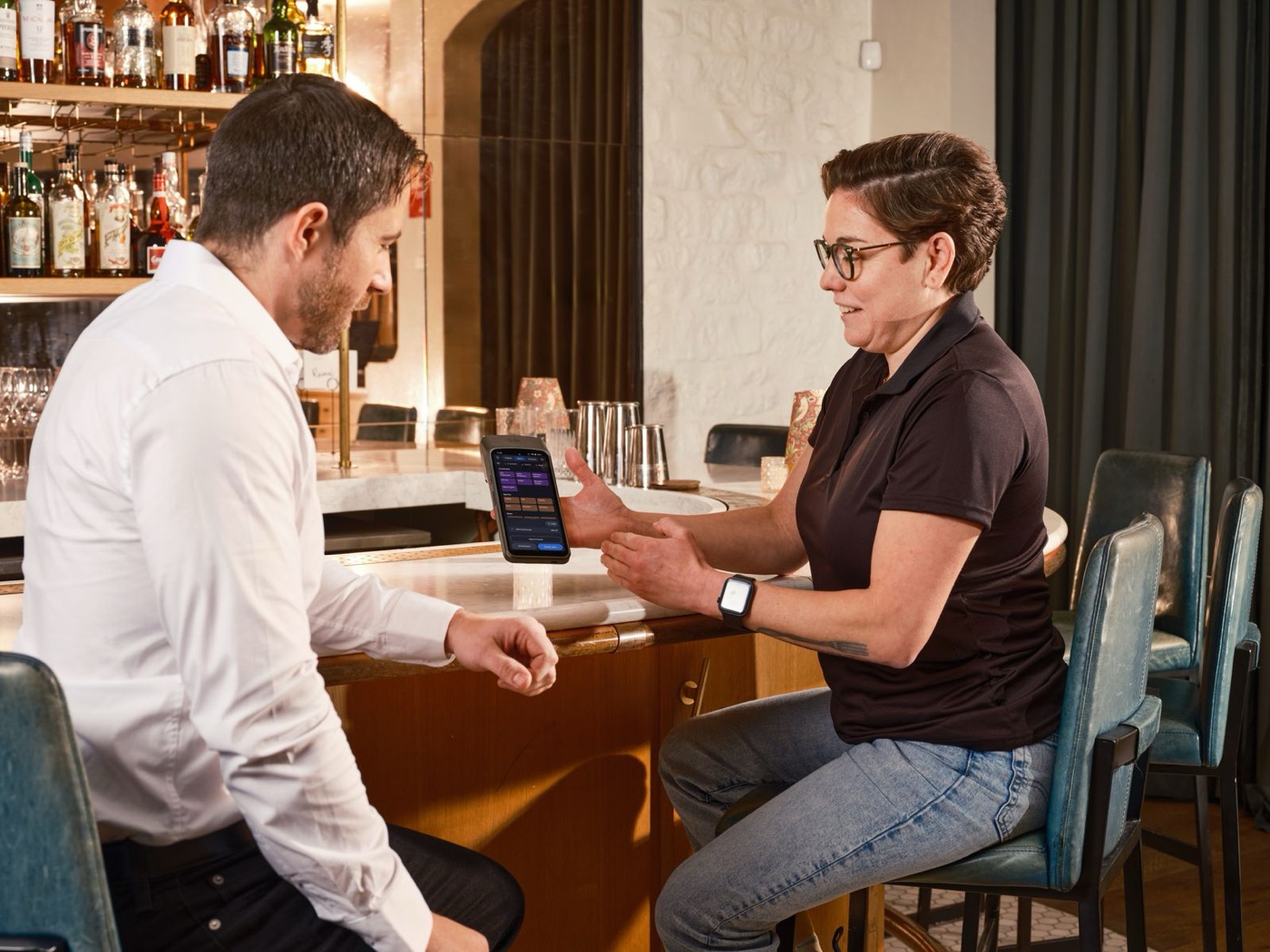


A dashboard doesn’t make the decision for you
Five metrics that should trigger action
Repeat guest rate shows whether people are choosing to come back, and a drop should send you to review your follow-up and the guest experience. Average spend per guest shows whether you’re adding value without chasing discounted volume. Table turnover by time slot helps you adjust pacing and staffing. No-show rate points to your confirmation and deposit policies. Revenue per available seat hour, or RevPASH, shows whether your peak periods earn enough for the space and labour they use.
Choose automated insight over dashboard guilt
A weekly alert such as ‘Tuesday revenue is down 20% this month’ is worth more than a chart nobody looks at. It gives a manager something concrete to do: check availability, review a targeted campaign or change the offer. Good insight cuts the time between spotting a problem and acting on it.
Growtality’s automated insights are built around this: fewer numbers, clearer next steps and a calmer way to run the restaurant.
Try Growtality free for 14 days and focus on the data that actually moves the business.

| Metric | What it reveals | Action to test |
|---|---|---|
| Repeat guest rate | Whether guests return | Review loyalty and follow-up |
| Average spend | Value per visit | Test menu pairing or upgrades |
| Turnover by slot | Service efficiency | Adjust pacing and staffing |
| No-show rate | Booking reliability | Improve reminders or deposits |
| RevPASH | Peak-hour value | Review seating and availability |
Turn reporting into a weekly routine
Keep the weekly review short enough to survive a busy week. Pick a regular time, open the same five metrics and ask the same three questions: what changed, why might it have changed, and what one thing will we try? That stops the dashboard becoming a chore that gets skipped until the end of the month, when it’s harder to remember what happened.
The context matters as much as the number. A no-show rate can rise because a local event brought in unfamiliar guests, because the weather turned or because a confirmation message failed. A drop in average spend could mean a new lunch offer is working exactly as planned. Don’t chase every movement. Look for patterns that repeat over several weeks, and combine the data with what the floor team has noticed.
Give each metric an owner. The reservations lead can review no-shows and table turns, a manager can look at repeat rate and guest feedback, and the kitchen lead can help explain whether timing or menu availability affected spend. A metric with no owner just sits there; one with an owner and a next action becomes part of how you run the restaurant.
Automated insight earns its keep by saving attention. Instead of asking an owner to find the problem in twenty charts, it flags a meaningful change and suggests the next question. You still make the judgement, but you make it faster, more consistently and in a way that’s easier to share with the team.
Practical next steps
- Review five decision-driving metrics at the same time each week.
- Pair every number with an owner and a next action.
- Use context from the floor before reacting to a change.
- Watch trends over weeks rather than one unusual day.
- Prioritise alerts that make a clear operating decision easier.
You won’t measure everything perfectly. Restaurants are living businesses, and every number has some noise in it. What you want is a reliable habit of spotting meaningful changes early enough to act. A simple weekly review shared with the right people does more than a complicated report that looks impressive and gets ignored.
Use thresholds instead of more dashboards
Set a simple rule: flag any weekly change of 10% or more in repeat rate, no-shows, spend per guest or revenue by daypart. A 10% change isn’t automatically a problem; it’s a prompt to look closer. Compare it with the same weekday, recent weather, local events and staffing changes before you decide what to do.
Questions owners ask
Which metrics should restaurant owners track?
Five that trigger action: repeat guest rate, average spend per guest, revenue by daypart, no-show rate and direct versus marketplace order mix. Review the same five at the same time every week.
Why do restaurant analytics dashboards get ignored?
Because they show more charts than an owner has time to read, without saying what to do next. Automated alerts, such as 'Tuesday revenue is down 20% this month', are more useful than a dashboard nobody opens.
When should a change in the numbers worry me?
Flag any weekly change of 10% or more in repeat rate, no-shows, spend per guest or revenue by daypart, and compare it with the same week last month before reacting. Treat it as a prompt to look into, which may or may not turn out to be a problem.